6 Months with Claude
I have been using Claude for the last 6 months, and I would like to write down what works for me and what doesn't. Some of them are effective right away, and some take time to reveal their value. Here I rank them from the best to meh:
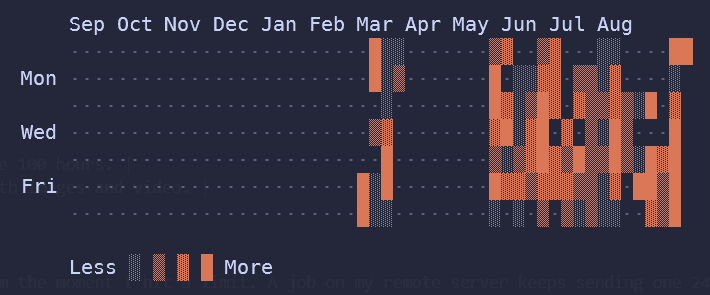
Must get
Rating: ★★★★★
| What | Type | Notes |
|---|---|---|
| 5 hour invoke | Cron | A cron job invokes Claude every 5 hrs. This basically gives you an average of 1.5x the 5-hour limit. Recommended to everyone. |
| ask-gemini | Skill | Uses Gemini (agy -p) for all token-heavy jobs, especially reading images. Got my 18 months of Google AI Pro for 5 CAD. |
| prism-docs | Skill | Distilled all work documentation and related sessions into a skill. Super useful when seeking a piece of info in a haystack, and for brainstorming possible reasons for a bug. |
You should try
Rating: ★★★★☆
| What | Type | Notes |
|---|---|---|
opus / son + question | Profile | PS shorthands, no more /model, just type opus tell me a story. |
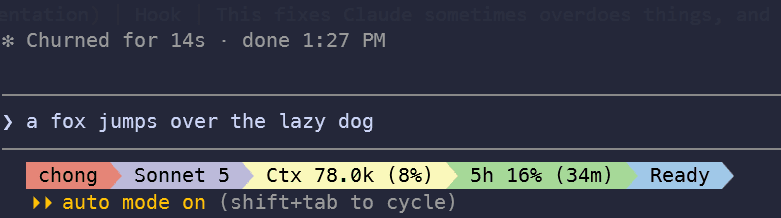
| Statusline | Config | Shows context usage and the 5-hour limit left. Helps me spot context rot and plan token usage ahead. |
clip | Skill | Useful for copying out a command or a table. (Especially before the update, copied text used to have line breaks in between.) |
screen-capture | Skill | Lets Claude screen-cap and verify itself. Claude invokes this one on its own a lot. |
| Commit hook (ponytail + update documentation) | Hook | Claude sometimes overdoes things and won't update the docs on its own. |
Fits me
Rating: ★★★☆☆
| What | Type | Notes |
|---|---|---|
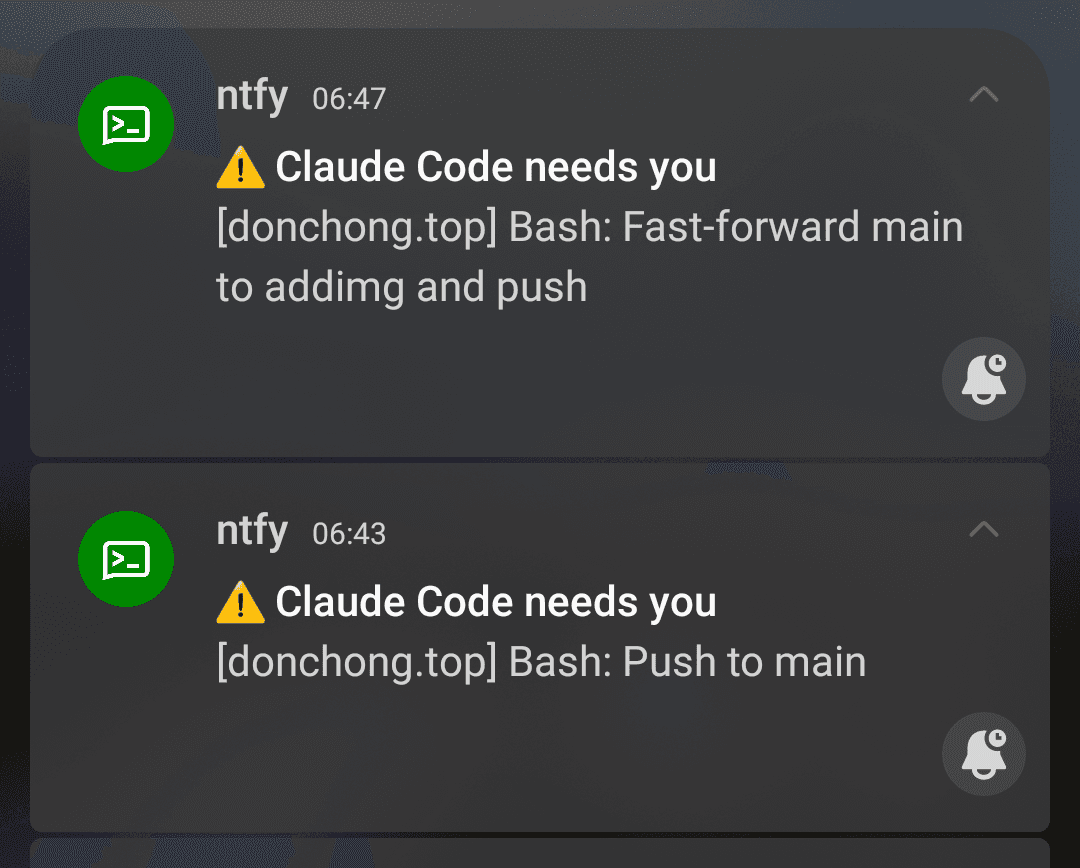
tell-me | Hook | When Claude needs my input (options, permissions), it alerts me on Windows and pushes a notification to my phone using ntfy. |
video-summarize | Skill | Clips videos and builds highlights from my trips. I hope it gets better in the future. |
organize-album | Skill | Sorts images by date across multiple sources. Very helpful. |
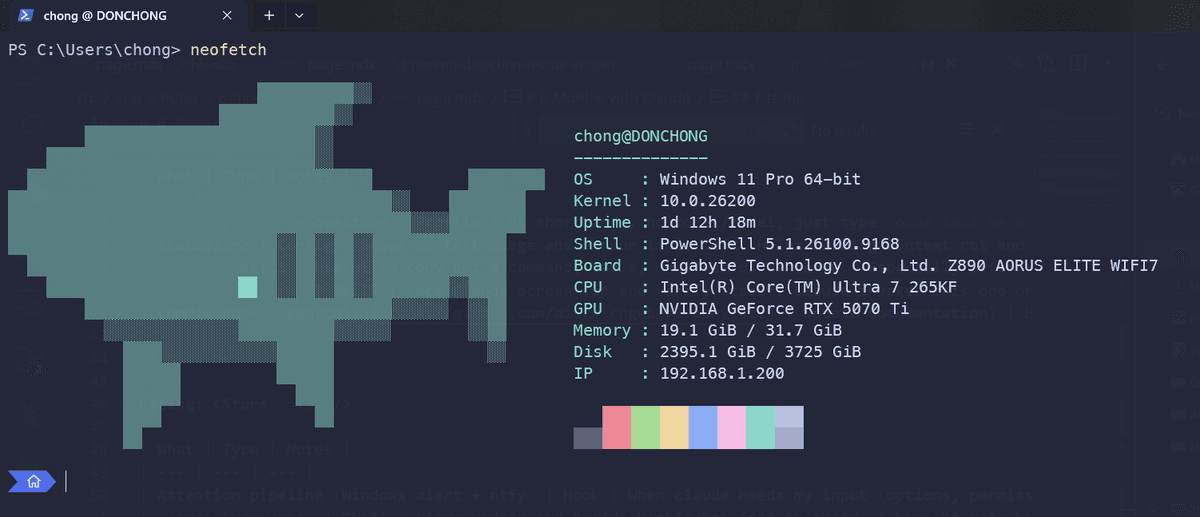
ps-profile | Skill | Edits my terminal profile and adds shorthands. |
cc (claude "commit") | Profile | Shorthand. Convenient, not necessary. |
Not sure, or takes time
Rating: ★★☆☆☆
| What | Type | Notes |
|---|---|---|
Lessons learned | Rules | Append-only ledger; summarizes mistakes and distills them into rules after reaching 20. |
claude-use-review | Skill | Audits my prompt history and reports on how I've been using Claude Code. |
Using Claude in HK
Claude and most other AI services block Hong Kong, so I run a WireGuard tunnel to my VPS in Canada. However, routing everything through WireGuard is inconvenient, so I added gluetun on top of it, which routes traffic per application.
Since setting these up is quites easy with AI, I will keep things simple:
First, set up the gluetun with a docker-compose file. I am using my own WireGuard tunnel, but it also support many VPN services such as surfshark (which you can get it for free on topcashback).
Claude Code
For Claude, add the proxy to the env config:
//C:\Users\chong\.claude\settings.json
"env": {
  "HTTPS_PROXY": "http://127.0.0.1:8888",
  "HTTP_PROXY": "http://127.0.0.1:8888",
  "NO_PROXY": "localhost,127.0.0.1"
},
Chrome
For Chrome, add the --proxy-server flag in the property settings. Since other VPN plug-ins mess up proxy settings, I have to use a separate Chrome profile without VPN plug-ins.
"C:\Program Files\Google\Chrome\Application\chrome.exe" --user-data-dir="C:\Users\chong\gluetun\chrome-vpn-profile" --proxy-server="http://127.0.0.1:8888" https://claude.ai